How to Log Your Health Symptoms on iPhone: A Complete Tutorial
Posted on: Jun 06, 2025

If you’re health-conscious, you probably want to track your daily activities—from sleep and calorie intake to steps and even the symptoms you feel. Luckily, Apple Health provides a one-stop shop for viewing your health activities. Just open the app, and you’ll see a summary of your health data. So, how can you log symptoms in Apple Health?
How to log symptoms in Apple Health?
- 1. Open the Health app
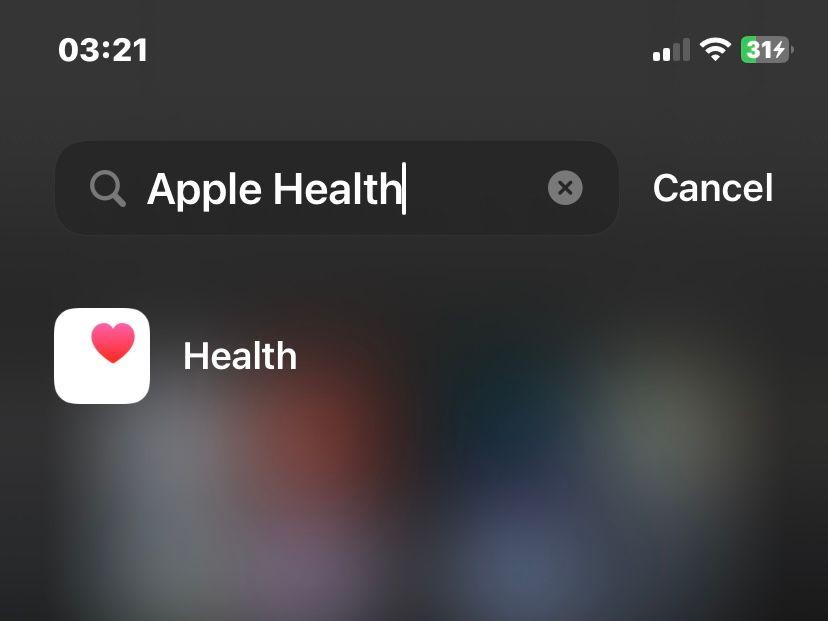
Start by launching the Health app on your iPhone.
- 2. Navigate to Browse
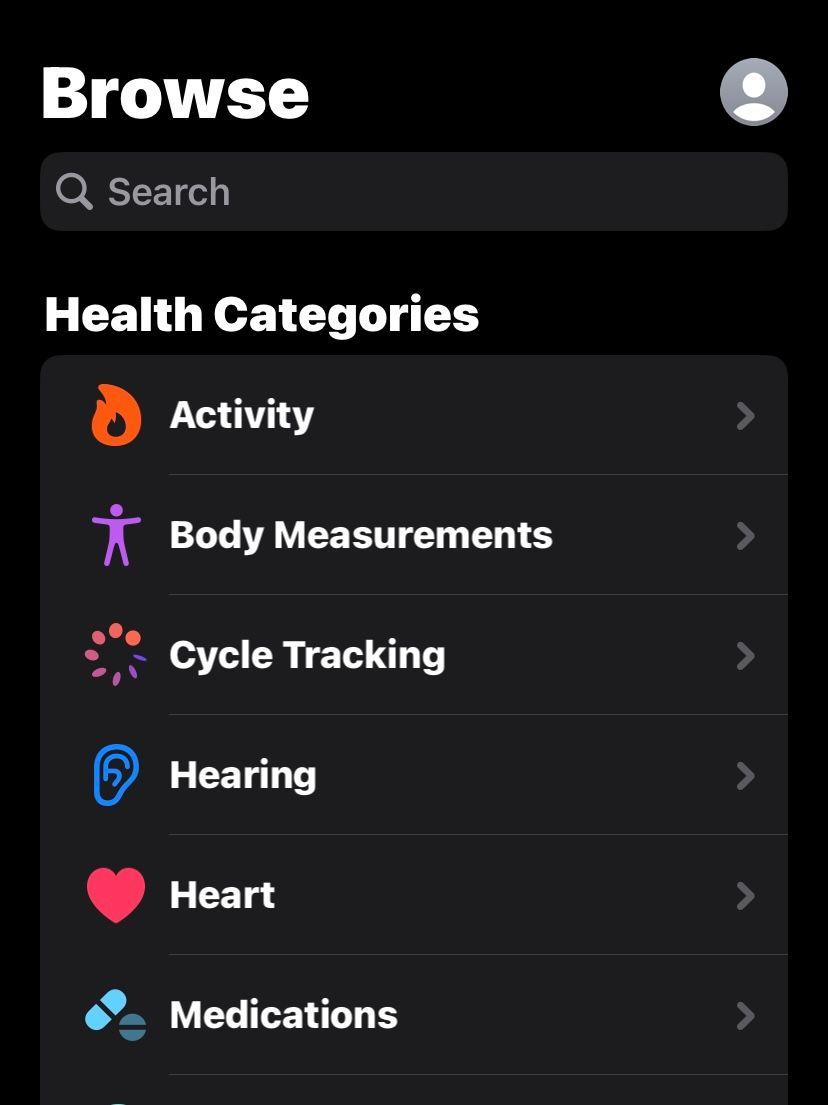
Go to the Browse tab to explore health topics.
- 3. Tap Symptoms
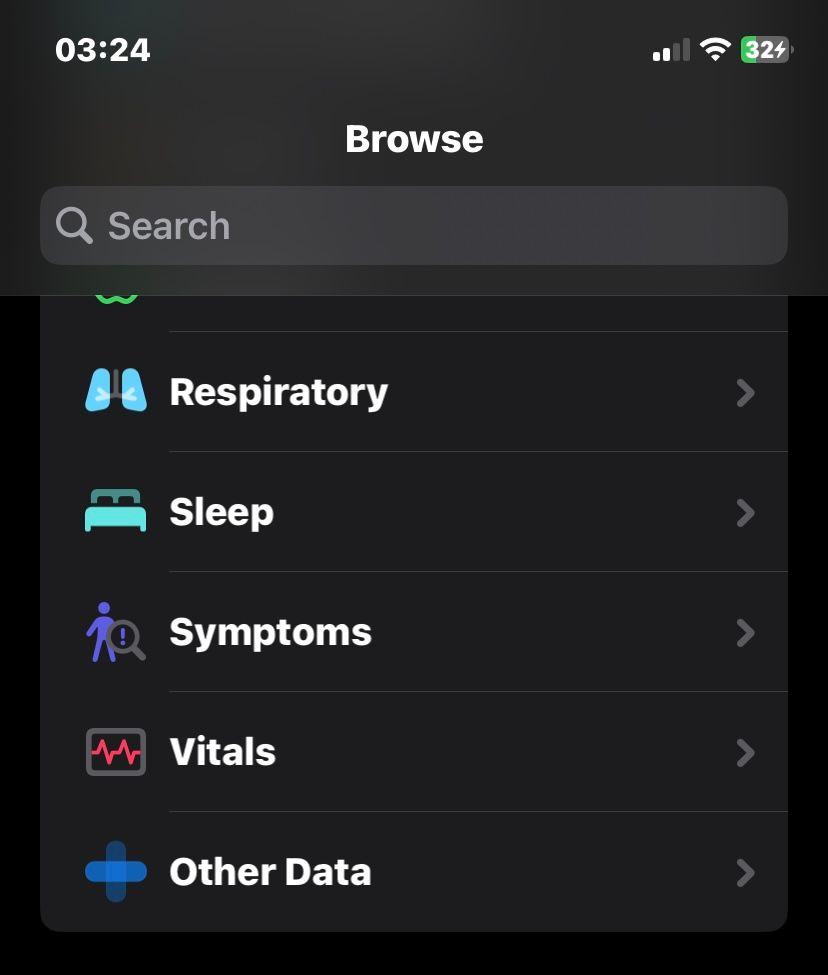
Find the Symptoms section to begin logging your symptoms.
- 4. Search for the symptoms you’re experiencing
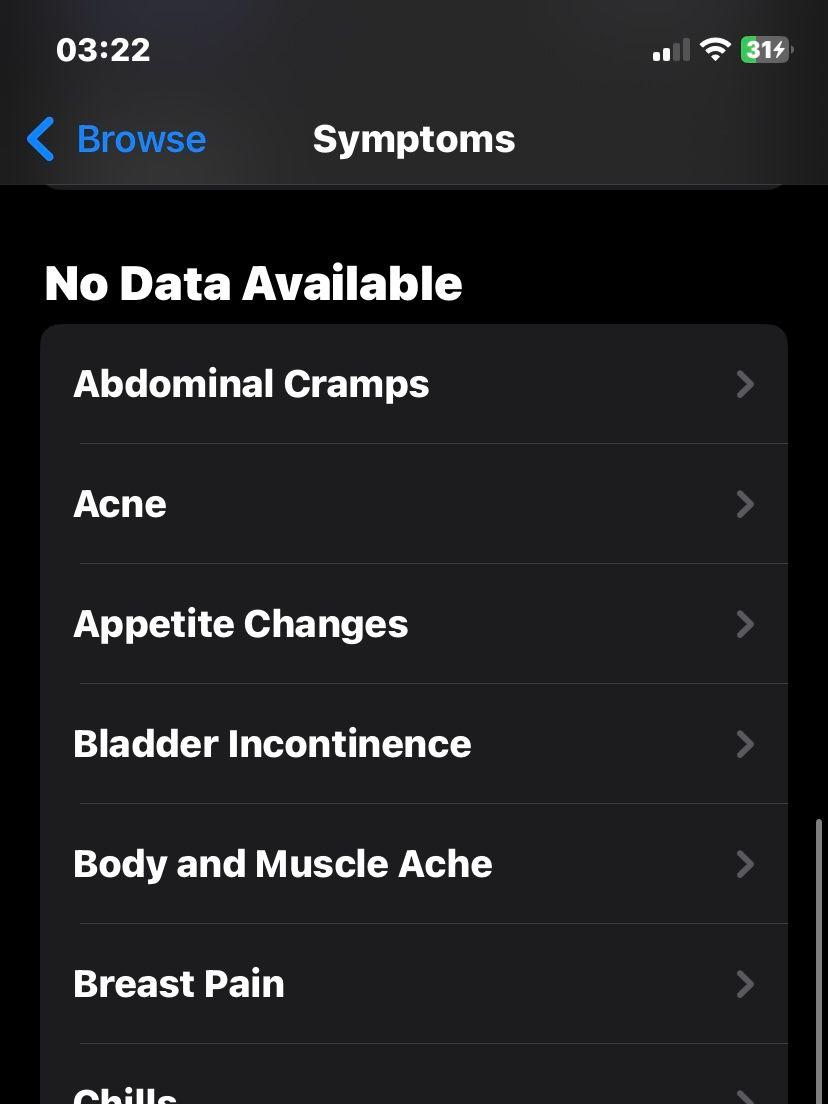
Use the search bar to locate specific symptoms.
- 5. Select and tap 'Add Data'
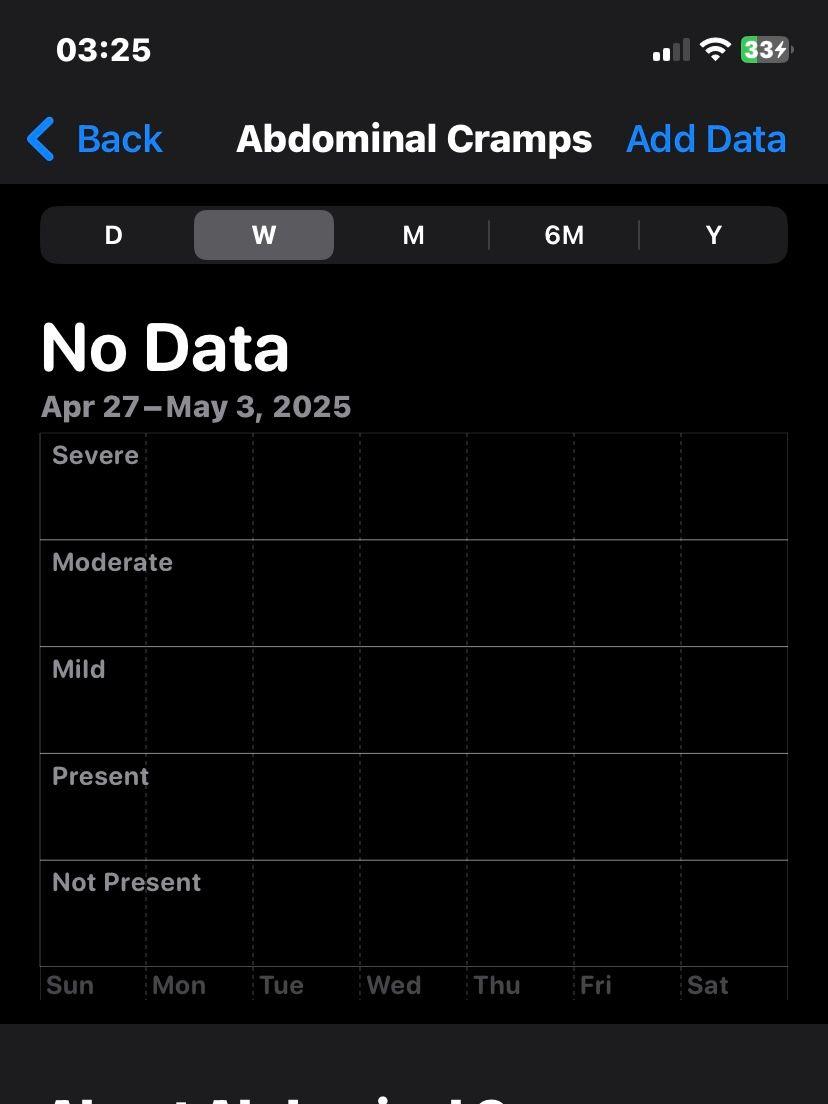
Click Add Data to start entering your symptom details.
- 6. Log the necessary data.
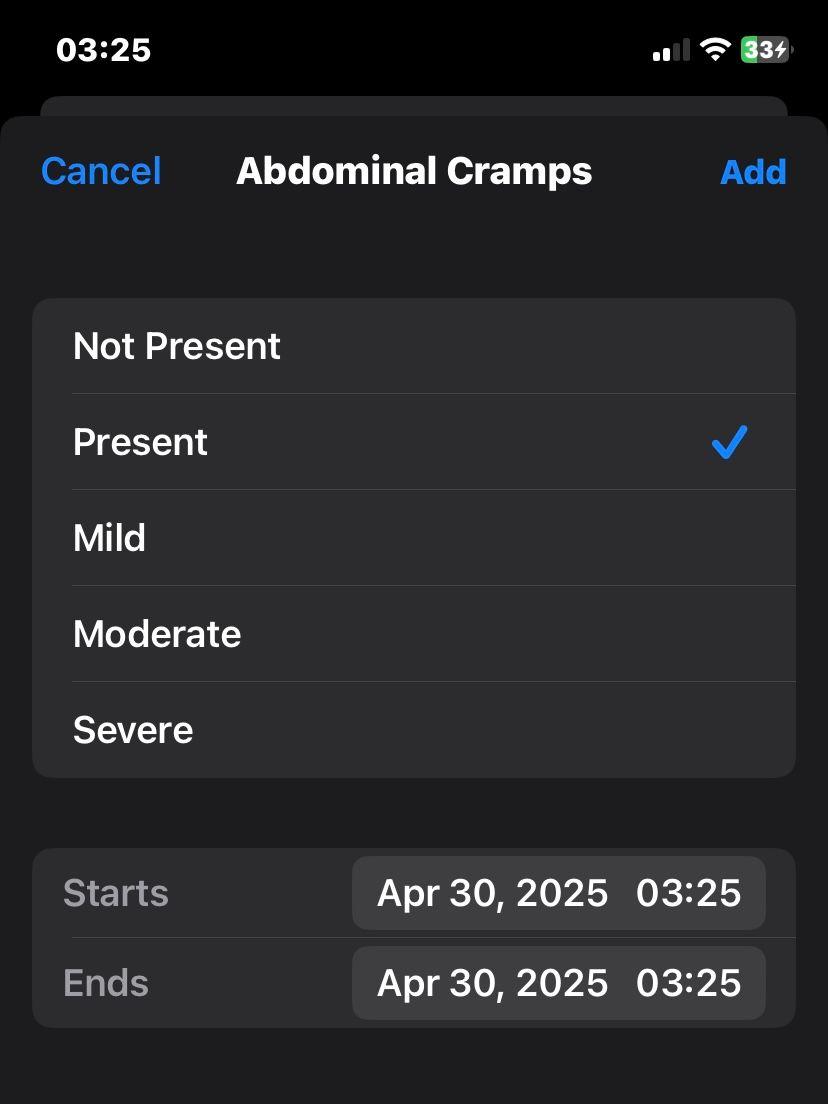
Fill in the required information to accurately record your symptoms.
What symptoms can I log into my Apple Health?
Apple Health allows you to log numerous symptoms, including:
Abdominal Cramps
Acne
Appetite Changes
Bloating
Bladder Incontinence
Body and Muscle Aches
Breast Pain
Chest Tightness or Pain
Chills
Congestion
Constipation
Coughing
Diarrhea
Dizziness
Dry Skin
Fainting
Fatigue
Fever
Hair Loss
Headache
Heartburn
Hot Flashes
Loss of Smell
Loss of Taste
Lower Back Pain
Memory Lapses
Mood Changes
Nausea
Night Sweats
Pelvic Pain
Rapid, Pounding, or Fluttering Heartbeat
Runny Nose
Shortness of Breath
Skipped Heartbeat
Sleep Changes
Sore Throat
Vaginal Dryness
Vomiting
Wheezing
Is there a way to log multiple symptoms at once?
It appears the only way to log multiple symptoms simultaneously is by creating a shortcut. If this seems complex, we’ve prepared a shortcut for you through this link.
How can I log my syptoms using the shortcut?
Here’s how you can quickly log your symptoms in Apple Health using a shortcut.
- 1. Run the shortcut
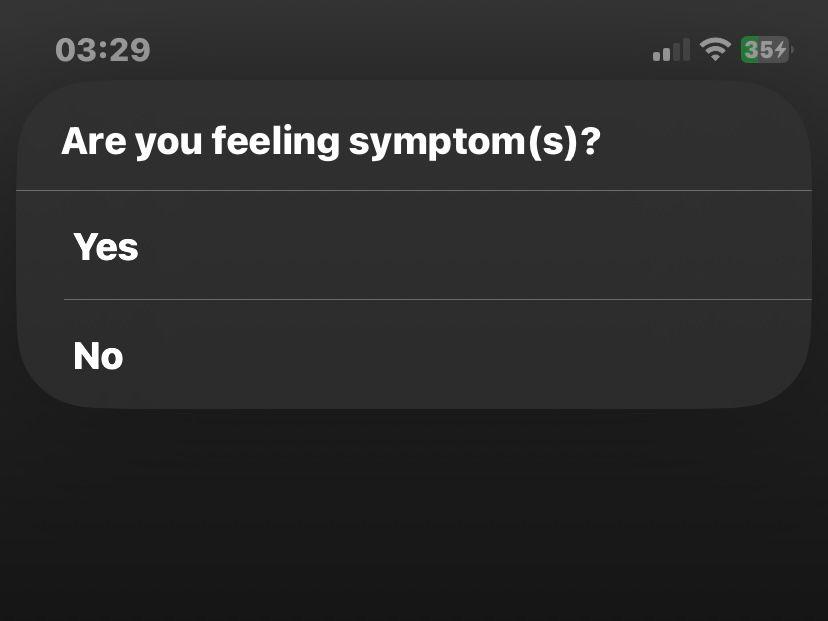
Run the shortcut and confirm 'Yes' if you're experiencing symptoms.
- 2. Select the symptoms you are feeling
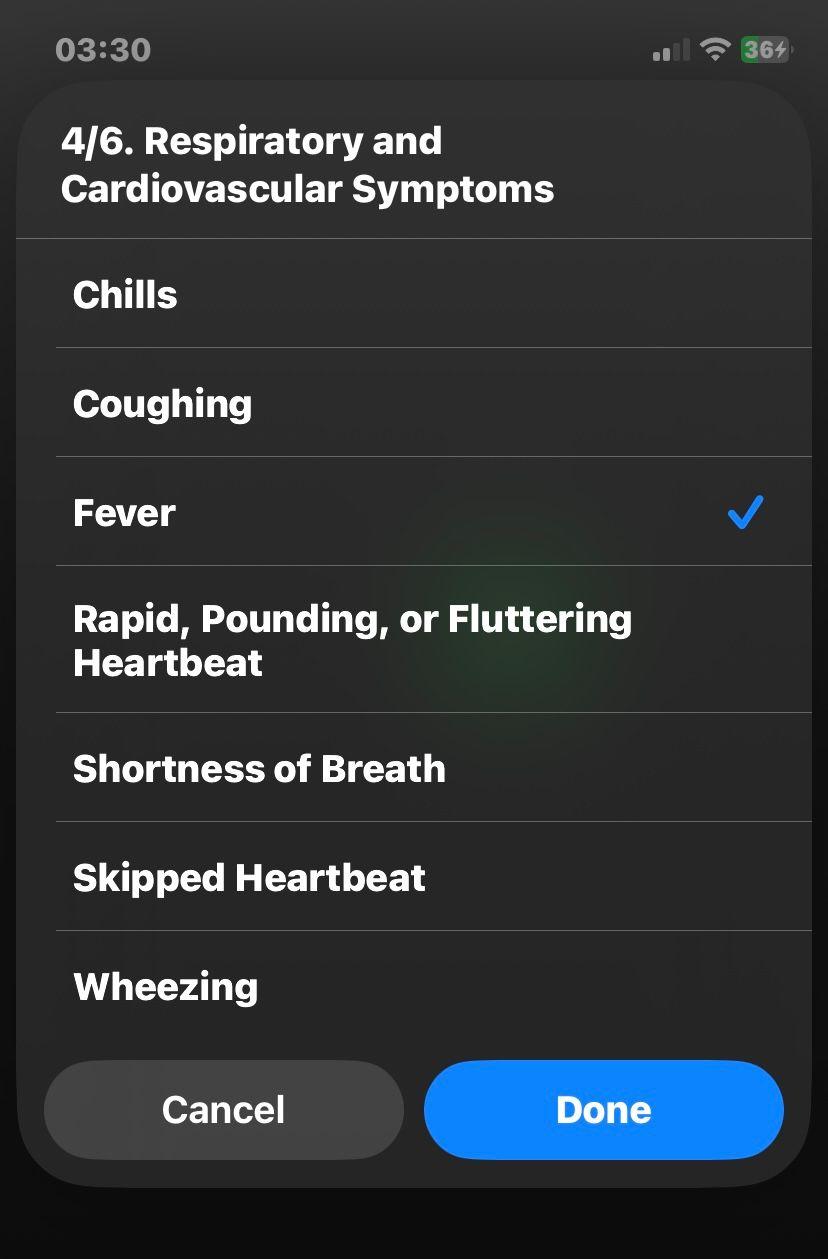
Once running, select the symptoms you’re experiencing from the six categories: 1. Common Daily Symptoms 2. Gastrointestinal and Digestive Symptoms 3. Pain and Discomfort 4. Respiratory and Cardiovacular Symptoms 5. Sensory and Neurological Symptoms 6. Acne, Hair, and Hormonal Symptoms
- 3. Press 'OK'
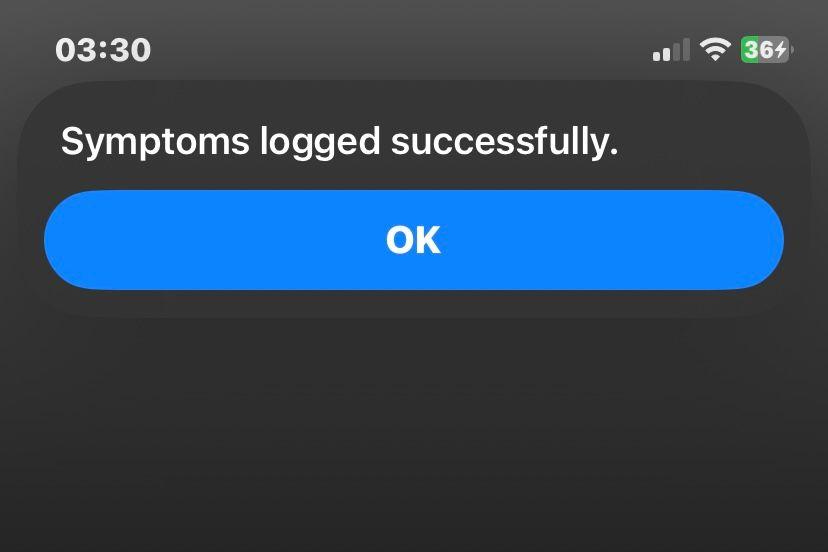
Voilà! A confirmation page will be displayed on your screen once your symptoms are logged—just press OK to finish!
Is this article misleading? Send us an email and we will fix it.